
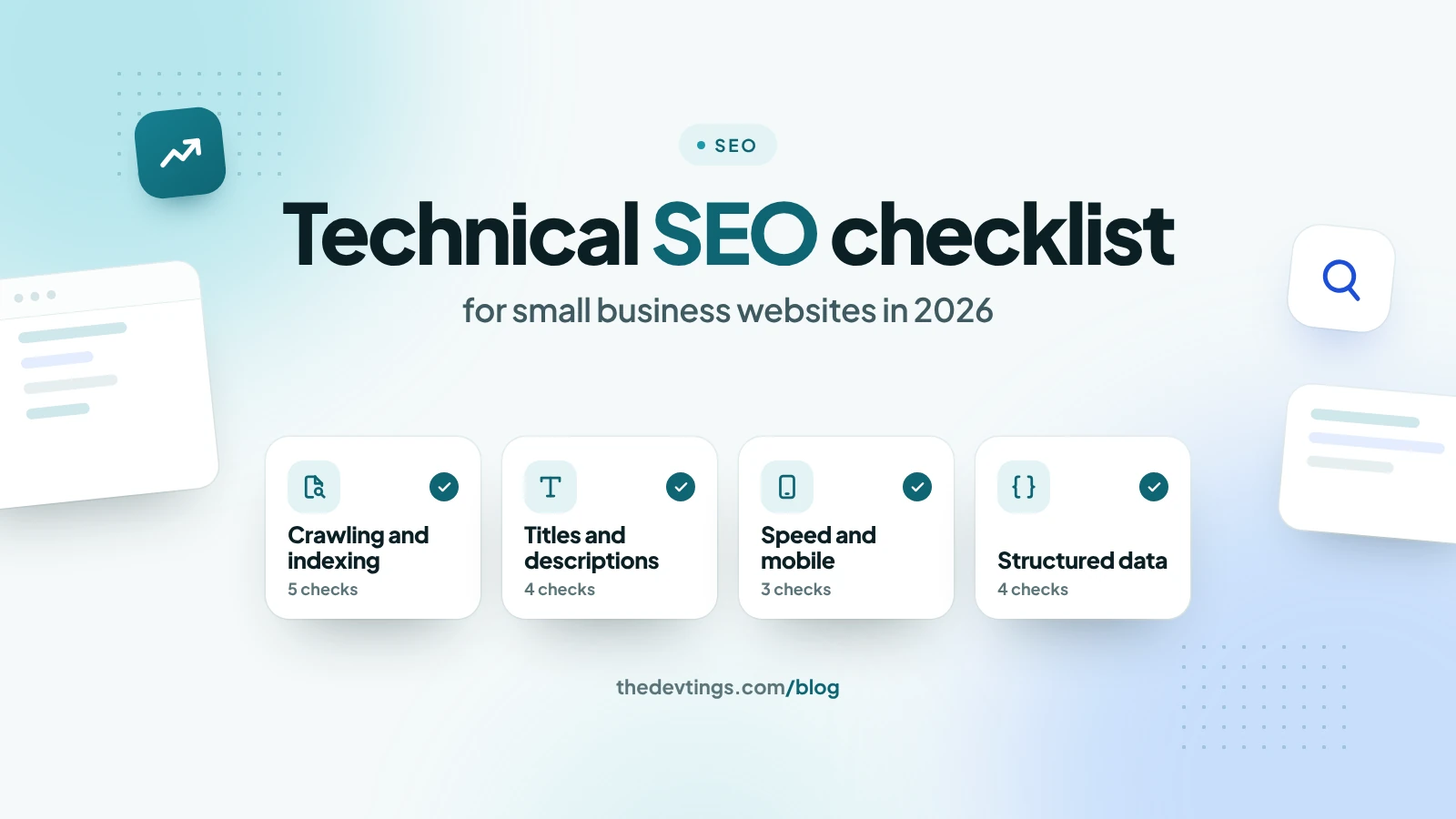
Many small business websites don't lose rankings to better content. They lose them to technical problems that stop Google from finding, reading or trusting their pages. This technical SEO checklist goes through those problems in order and says where to check each one. You don't need to be a developer for most of it.
1. Make sure Google can find and read your pages
- One version of your site. Your site should open on https, and on either www or the address without it. The other versions should redirect there permanently (a 301 redirect). Type each version into your browser and see where you land.
- robots.txt doesn't block what matters. Open yoursite.com/robots.txt. It should only block things like the admin area, never your service pages.
- Your sitemap is in Search Console. In Google Search Console, open Indexing → Sitemaps, add yoursite.com/sitemap.xml and check that the status says Success.
- No page is hidden by mistake. The Pages report in Search Console lists pages "Excluded by 'noindex' tag". Make sure none of your important pages are on that list.
- Your main text is in the page's HTML. If your site is built with JavaScript, right-click a page and choose View Page Source. Your headings and main text should be there. Google can run JavaScript, but text that is already in the HTML gets read sooner and more reliably.
2. Give every page a clear title and description
- A different title on every page, with the main search near the start. Keep it to about 50–60 characters, because Google cuts titles that are too wide.
- A description of about 150–155 characters that says what the page offers and who it is for. Google sometimes writes its own, but it often uses a good one.
- One H1 heading per page that matches what people search for.
- Old addresses redirect to new ones. If you rename or move a page, send the old address to the new one with a 301 redirect, so old links and rankings aren't lost.
3. Speed and mobile
- Check Core Web Vitals in Search Console. Google's targets for a good page are: the main content shows within 2.5 seconds (LCP), the page reacts to a tap or click within 200 milliseconds (INP), and nothing jumps around while it loads (CLS of 0.1 or less).
- Images: upload them at the size they are shown, compressed, in a modern format such as WebP. Give each one a width and height. Let images further down the page load later, but never the main image at the top.
- Mobile first. Google looks at the mobile version of your site when it decides how to rank it. Open your pages on a phone: text should be readable, buttons easy to tap, and nothing wider than the screen.
4. Structured data that still helps
- Organization or LocalBusiness markup with the same name, address and phone number as your Google Business Profile.
- Breadcrumb markup on inner pages, so Google shows where a page sits on your site.
- Skip what no longer pays. Google no longer shows FAQ rich results, and it doesn't show review stars that a business publishes about itself. Never add ratings or reviews that aren't real.
- Test it with Google's Rich Results Test before and after a change.
5. Links
- Every service page within two clicks of the home page.
- Link from articles to the matching service page, using words that describe it, not "click here".
- Fix broken links. Search Console's Pages report lists pages that return "Not found (404)".
A 10-minute check every month
- Search Console → Pages: are there new errors?
- Core Web Vitals: are any pages marked Poor?
- Performance: which searches bring clicks? A page with many impressions but few clicks usually needs a better title and description.
If you would rather have someone go through this list with you, Devtings does SEO audits and technical SEO for small businesses in the US and the UK. See our SEO services or get in touch.