
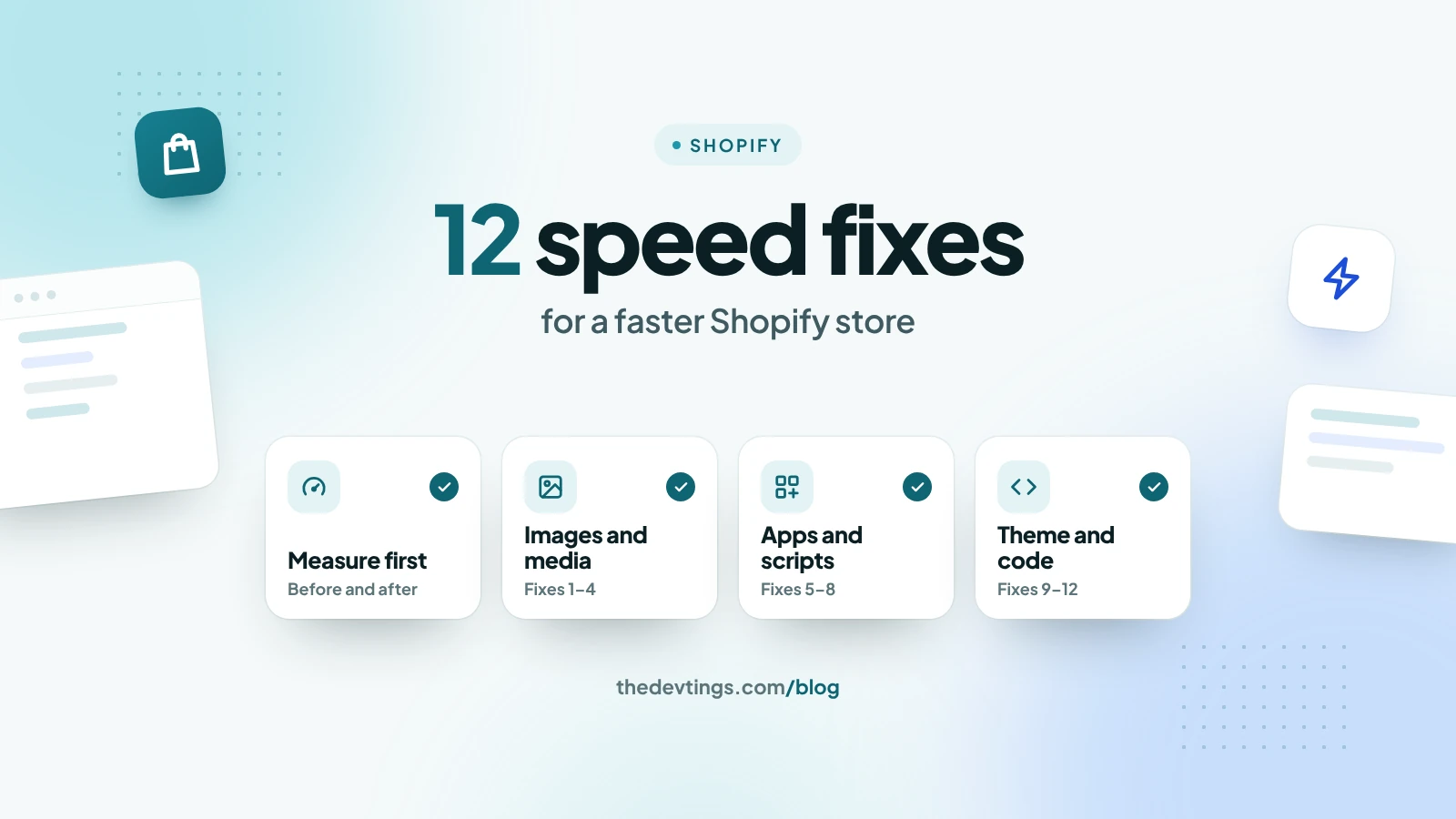
A slow store loses sales before a visitor even sees a product. Most Shopify stores slow down for the same few reasons: heavy images, too many apps, and scripts added over the years. This Shopify speed checklist gives twelve fixes, roughly in order of how often they help.
First, measure
Before you change anything, write down where you stand. Open your home page, one collection page and one product page in Google's PageSpeed Insights, and note the three Core Web Vitals: how fast the main content appears (LCP), how fast the page reacts (INP), and how much it jumps while loading (CLS). Shopify's admin also has a web performance report based on real visitors. Measure again after each change, so you know which fix worked.
Images and media
- 1. Upload images at the size they are shown. A 4,000-pixel photo shown 800 pixels wide wastes download time. Shopify can resize images and serve modern formats when the theme uses its image filters, but it can't rescue a huge original or a theme that always asks for the biggest size.
- 2. Don't make the first image wait. Images further down the page should load later. The main banner or the first product photo should load straight away, because Google measures how fast it appears.
- 3. Replace autoplay video in the first screen with a still image and a play button. A hero video is often the heaviest thing on the page.
- 4. Drop the home page slider. A carousel loads several large images, and most visitors only see the first one. One strong image usually works better.
Apps and scripts
- 5. Remove apps you don't use. Each app can add its own scripts to every page.
- 6. Clean up after removed apps. Some apps leave code in the theme after you uninstall them. Check the theme files, or ask a developer, and remove the leftovers.
- 7. Count your tracking scripts. Analytics, ad pixels, heat maps and chat widgets all add weight. Keep the ones you actually use to make decisions, and let the chat widget load after the page has finished.
- 8. Prefer app blocks and app embeds. In Online Store 2.0 themes, these can be switched off from the theme editor, instead of living as pasted code in your theme files.
Theme and code
- 9. Use a fast, up-to-date theme. Shopify's own Dawn theme is a good yardstick. If your store is much slower than Dawn with the same products, the theme or its changes are the problem.
- 10. Use fewer fonts. Every font family and weight is another file to download. Two weights of one font, or the device's own fonts, are often enough.
- 11. Show fewer products per collection page. Use pages or a "load more" button, especially when each product card has several images or a quick-view feature.
- 12. Remove unused sections and code. Old sections, duplicate scripts and heavy loops in the theme (for example, going through every product in a large collection) slow down every visit.
Check the result
Measure the same three pages again. PageSpeed Insights shows the change at once. The Core Web Vitals report in Search Console uses the last 28 days of real visits, so a fix shows up there gradually.
Devtings builds Shopify stores and speeds up existing ones for small and mid-size brands in the US and the UK. See our Shopify development services or get in touch.