
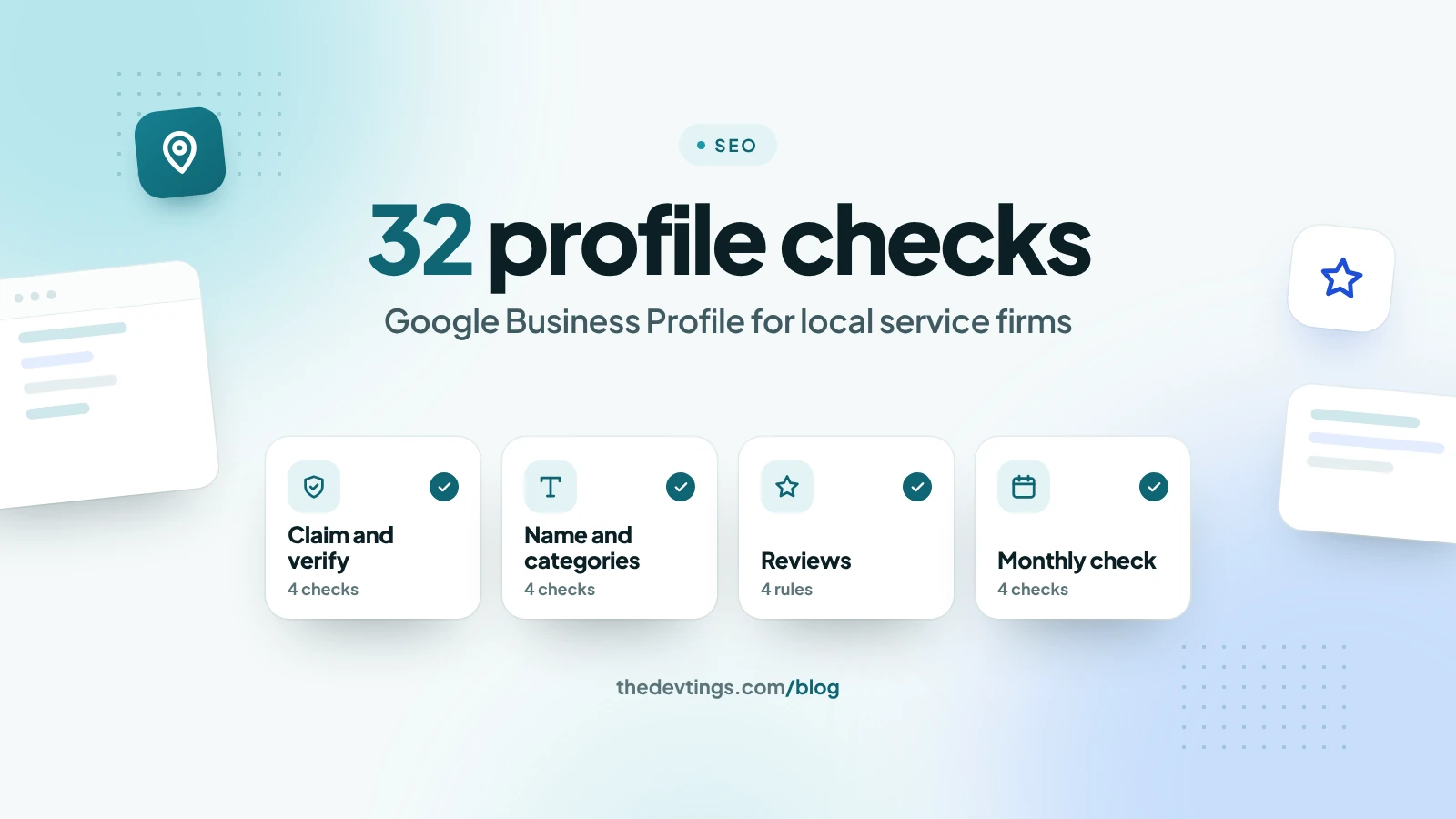
Your Google Business Profile is the listing that shows your business on Google Maps and in local results on Google Search. Customers can call you, visit your website or read your reviews from it. This Google Business Profile checklist covers each part for service businesses in the US and the UK: what to fill in, what Google allows and what changed in 2025 and 2026.
Start at the top. Until your profile is verified, your photos and posts stay hidden, you can't reply to reviews and you get no performance data. No checklist guarantees rankings, and Google says you can't pay for a better local ranking.
1. Claim and verify your profile
- Search for your business first. If it's already on Google Maps, claim it rather than creating a second profile. If someone else verified it, such as a former employee or an old agency, you can request ownership.
- Use a Google account the business controls. Keep primary ownership yourself and add staff or your agency as managers, so access doesn't leave when they do.
- Google picks the method. Depending on your business, it may offer a video recording, phone or text, email, a live video call or, for some businesses, a postcard. Google's checks can take up to 5 business days.
- Plan the verification video. It must be one continuous, unedited recording of at least 30 seconds, made live on your phone. Show street signs near your base, your tools, and proof you run the business, such as opening your branded van or showing an invoice or utility bill in the business name. Keep faces and private details out of shot.
2. Get the name, categories and service area right
- Use your real business name. Match your signs, van and invoices. Google's guidelines don't allow extra words such as services, towns or taglines: "Smith Plumbing" is fine, but "Smith Plumbing – Emergency Plumber Leeds" could get the profile suspended. Add Ltd or LLC only if you trade under it.
- Pick the most specific primary category. It should finish the sentence "This business is a…": electrician, not contractor. You can add up to 9 more, but use as few as possible, for what the business is, not every job it does.
- Hide your address if customers don't come to you. Remove it and set a service area instead. Show an address only if it has permanent signs and staff to receive customers during opening hours. PO boxes and virtual offices aren't allowed.
- Keep the service area realistic. List up to 20 towns, cities or postcodes (ZIP codes in the US), all within about 2 hours' drive of your base, as Google asks.
3. Hours, phone number and website link
- Opening hours customers can rely on. List the hours you answer the phone or take bookings. Don't show 24-hour opening unless someone really picks up at 3am.
- Holiday hours. Set Special hours for bank holidays, Christmas or Thanksgiving; Google suggests confirming them even when they don't change. Special hours cover up to 6 days in a row; for 7 or more, mark the business temporarily closed.
- A local phone number you control. Google prefers a local number to a central call-centre line, and you can add up to 2 more numbers.
- A website link with UTM tags. Link to your home page, or to the page for that branch. Add UTM tags so profile visits show as their own campaign in Google Analytics, for example yoursite.com/?utm_source=google&utm_medium=organic&utm_campaign=gbp. Use all three tags, in lower case, because values are case-sensitive.
Tag your email and social links the same way to compare channels. For help, see our digital marketing services.
4. Services, description, photos and videos
- Services. Pick Google's suggested services for your category and add your own, each with a short description. Keep prices and phone numbers out of custom service names; Google rejects those automatically.
- Products are for shops. Google describes Products as a feature for retailers that connect their in-store stock. Most service businesses can skip it.
- Description. Up to 750 characters, with no links or HTML. Say what you do, for whom, where, and how long you've been doing it. Leave out offers and prices.
- Photos. Add your logo, a cover photo and, as Google suggests, at least three real photos each of your work and your team: sharp, well lit, no heavy filters or AI edits. Use JPG or PNG, 10 KB to 5 MB, ideally 720 × 720 pixels.
- Videos. Add a short clip of a job in progress: up to 30 seconds and 75 MB, at 720p or higher.
5. Reviews: ask honestly and reply well
Google says more reviews and positive ratings can help your local ranking, and that helpful replies help you stand out. Its rules on getting reviews are strict.
- Ask every customer, the same way. On a computer, select Read reviews, then Get more reviews, to copy your link or save a QR code. Add it to invoice emails, follow-up texts or a card left after the job.
- Never reward or filter reviews. Google's content policy bans discounts, free work or any other incentive for a review. It also bans asking only happy customers, discouraging bad reviews, staff review quotas, reviews from staff or family, and posting on competitors' profiles to harm them. Google removes such content and can restrict the accounts involved.
- Reply, especially to bad reviews. Be short, polite and specific, and skip copy-and-paste thank-yous. Apologise where you got something wrong, keep the customer's details private and don't use replies to sell. Google checks replies first, usually within 10 minutes, sometimes up to 30 days.
- Report only reviews that break the rules. You can flag fake or abusive reviews. A bad review from a real customer isn't against the rules.
6. Posts, Q&A and messaging in 2026
- Posts still work. You can publish updates, offers and events; posts older than 6 months are archived unless you set a date range. Google's local ranking tips don't mention posts, so use them for real news, such as a new service or holiday hours.
- Q&A has been cut back. Google shut down the Q&A API, which software tools used, on 3 November 2025 while it reworks the feature. Q&A is now only available for some categories and regions, with a pilot for verified US businesses where you answer Yes or No about your features. Either way, answer common questions on your website.
- AI answers are growing. In March 2026 Google began rolling out Ask Maps, a Gemini-powered feature that answers questions about places, in the US and India. It uses place information and reviews, so accuracy matters here too.
- Google's own chat has gone. It ended on 31 July 2024. In some regions you can add a WhatsApp link or a texting number under Chat; if you add both, only the text option shows.
7. Match your website and other listings
- Same name, address and phone everywhere. Copy your profile details exactly to your website's contact page and footer, and to every directory, trade body and social profile that lists you. To find old listings, search for your business name and old phone number.
- Add LocalBusiness structured data. This code on your home or contact page tells Google your name, address, phone, website and hours. Use the most specific business type that fits, with the same details as your profile. If your site was built for you, ask your developer, or see our custom web development services.
- Test it, and skip self-review stars. Check the markup with Google's Rich Results Test. Google only allows LocalBusiness rating markup on sites that review other businesses, so don't rate yourself.
8. What to check every month
Open the Performance report early each month. Search terms update at the start of the month and can take up to 5 days to appear.
- Searches: are people finding you for the services you want? If a main service is missing, check your categories, services and description.
- Views: how many people saw your profile on Search and Maps. Compare with the same month last year, as many trades are seasonal.
- Calls, website clicks and directions: are they rising or falling? Compare website clicks with the gbp campaign in Google Analytics.
- Your details: Google Maps users can suggest changes to your name, phone, address or hours, so check nothing has changed. Reply to new reviews and look at customers' photos.
Talk to Devtings
Devtings does SEO for small and mid-size businesses in the US and the UK, and we can go through this checklist with you. See our SEO services or get in touch.