
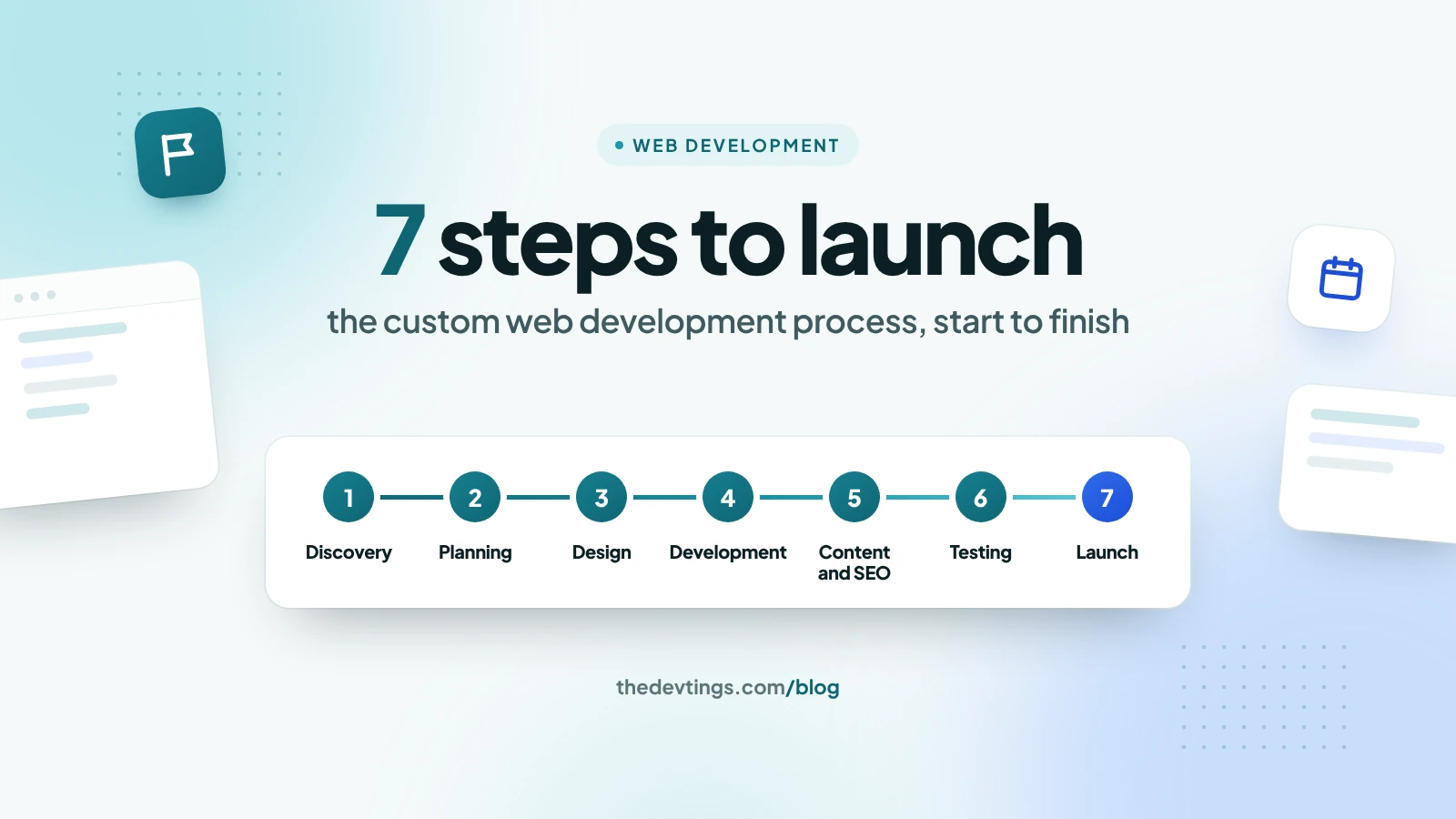
A custom web development project is easier to plan, budget and enjoy when you know what happens at each step. This guide walks through the seven steps of the custom web development process, from the first conversation to launch, with typical timelines, what you provide at each step, and the things that most often slow a project down.
Typical timelines
- Marketing website, 5 to 15 pages: 4 to 8 weeks
- Website with custom features, such as bookings, calculators or a member area: 2 to 4 months
- First version of a web application or portal: 3 to 6 months
These are rough guides. Your own timeline depends on the features, the integrations, and how quickly decisions are made on both sides.
1. Discovery
The team learns your business before it designs anything: your goals, your customers, the features you need, the tools the site must connect to, and any rules you must follow.
- You provide: examples of sites you like, a list of your current tools, and the names of the people who approve decisions.
- You get: a written scope, a feature list in priority order, and an estimate.
2. Planning and architecture
The team decides how the site will be built: the pages and user journeys, the data it stores, the technologies and the milestones. For a web application, this is where the user roles and the data model are agreed.
- You get: a project plan with milestones, a fixed quote or a budget for each stage, and a technical approach you can ask questions about.
3. UX and UI design
Design starts with wireframes, simple layouts that show what goes where, then moves to the visual design in your brand. For apps and portals, a clickable prototype lets you try the main tasks before any code is written.
- You provide: your logo, brand colours and fonts, and feedback within the agreed number of days.
- Tip: approve the design of the key pages before development starts. Changes on paper are cheap; changes in code are not.
4. Development
Developers build the front end (what visitors see), the back end (data, logins and business rules), the admin area your team will use, and the connections to other systems. Most teams work in one- or two-week cycles and show progress on a staging site after each one.
- You provide: quick answers to questions, and test accounts for the systems the site connects to, such as your payment provider, CRM or email service.
- Watch for: a demo every one or two weeks. If you haven't seen working software for a month, ask why.
5. Content and SEO setup
A new site should launch with its content in place and its search setup done, not as an afterthought:
- page text, images and image descriptions (alt text);
- a Google title and description for every page;
- redirects from your old addresses to the new ones, so you keep the search traffic you already have;
- structured data for your business, services and articles;
- analytics, and Google Search Console ready for launch day.
Late content is the most common reason launches slip, so start writing early.
6. Testing
Before launch, the site is tested on the browsers and phones your customers use, checked for speed and security, and checked for accessibility, so people who use a keyboard or a screen reader can use it too. Then you test it yourself: try every key task, such as booking, paying or logging in, and confirm it works the way your business does. This last check is called user acceptance testing.
7. Launch and handover
Launch is planned for a quiet time for your business. The domain is pointed at the new site, the security certificate is installed, backups and uptime monitoring are switched on, and the sitemap is sent to Google. Then comes the handover:
- training for the people who will edit the site;
- access to the code, the hosting and every account, in your business's name;
- short documentation of how the site works and how to update it.
After launch
A website is never finished. The first weeks after launch show what visitors actually do, and that is when small changes pay off most. Agree a support period for bugs, a maintenance plan for updates and security patches, and a regular look at your analytics and Search Console.
What slows projects down
- Content arriving late.
- Decisions waiting on someone who isn't in the meetings.
- New features added mid-build without moving the deadline.
- Waiting for access to a third-party system.
- Feedback spread across email, calls and chat instead of one list.
The fix for most of these is the same: one decision-maker on your side, one shared task list, and a weekly check-in.
If you are still choosing who to work with, our guide on how to choose a custom web development company covers the questions to ask, and custom web development vs website builders helps you decide whether you need custom work at all.
Talk to Devtings
Devtings builds custom websites and web applications for small and mid-size businesses in the US and the UK. Tell us what you want to build and we'll walk you through the plan. See our custom web development services and UI/UX design services, or get in touch.